Clean Your Keycaps Latest Update Notes
August 2, 2026 universe update — verification checklist without invented changelog lines.
Players returning to Clean Your Keycaps in August 2026 often notice the [UPD] marker in the Roblox experience title from 2 da moon! Search traffic spikes because grinders want to know if sponges, soap, workers, or rebirth math changed overnight. This page explains what that tag means, which systems typically move during incremental sim updates, and how to track official information — without inventing version numbers, fake changelog bullets, or unconfirmed balance figures.
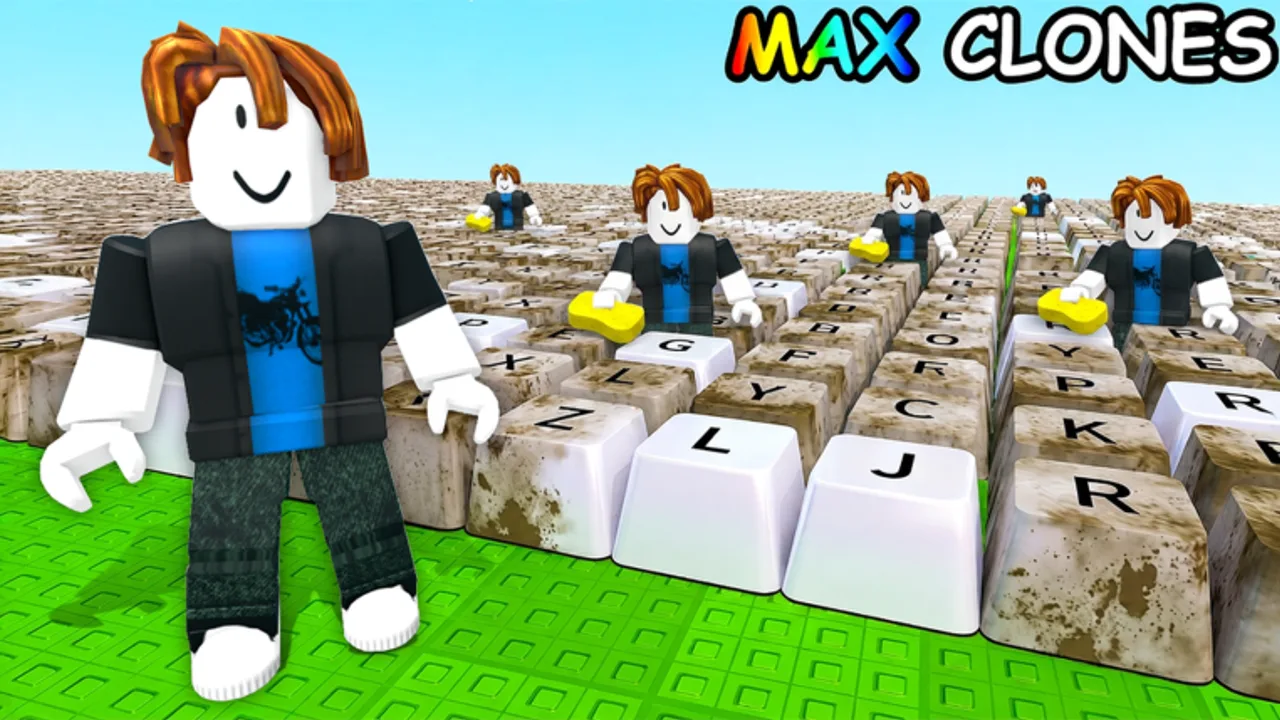
The game remains a scrub-rinse-polish incremental loop: clean keycaps, place them for cash, upgrade tools, hire workers, rebirth for multipliers. Updates retune that loop; they rarely replace it entirely.
What [UPD] means on the title
[UPD] is a creator-side signal that something live changed since your last session. It is not a standardized Roblox patch ID. Common reasons 2 da moon! might add it:
- New sponge or soap shop rows.
- Price or speed adjustments on existing tiers.
- Worker hire cost, pathing, or automation fixes.
- Rebirth threshold or multiplier text changes.
- New game passes or developer products in the store tab.
- Bug fixes for money collection, placement, or washing soft-lock.
The tag can appear before a detailed public write-up exists. That is why this page focuses on verification steps instead of pretending we have a private changelog.
August 2026 review status
During our August 2, 2026 wiki review (same calendar day as a live universe updated timestamp from Roblox):
- The experience remained listed as Clean Your Keycaps [UPD] on the official game page.
- Roblox reported roughly 3.97 million visits, about 10.2k players online at check time, ~240k favorites, and max server size 6.
- Creator group 2 da moon! sat near 349k members.
- We did not confirm a numbered patch string, dated developer blog, or itemized note from 2 da moon! beyond public Roblox surfaces — so we still refuse invented changelog bullets.
Therefore we document systems to re-check, not fabricated lines like “Sponge Tier 12 +15% speed.” When official text appears on the group or experience description, we quote it on the Updates hub first.
Systems to inspect after this update period
Walk through each subsystem in one short session:
Washing tools
Open the sponge and soap shops. Note the next three affordable tiers in each row — prices, speed labels, and any new icons. Compare to your memory or screenshots. If scrub time changed dramatically, revisit the Sponge Tier List. If rinse or polish lag shifted, revisit the Soap Tier List.
Plot income
Place a full batch of clean keycaps. Confirm payouts collect correctly and sale values match expectations. Placement bugs sometimes ship in cleaning sim patches even when tool stats look unchanged.
Workers
Hire or observe existing workers. Idle workers after an update may mean pathing changed rather than your tools being weak. Adjust Upgrade Priority if hire costs moved.
Rebirth
Open the rebirth menu before clicking anything. Read multiplier and reset scope text verbatim. Rebirth is the highest-impact system — never rebirth based on outdated wiki numbers. Our guides describe strategy, not live multipliers we cannot see from outside Roblox.
Store and passes
Open the Roblox store tab attached to the experience. New passes may appear with vague marketing copy. Map any purchase to Game Passes Worth It? categories instead of trusting hype titles.
Codes
Active Codes still lists no verified promo codes at this review. Do not redeem Build a Keyboard or other keycap-game strings here. Updates sometimes add real codes later — re-check after group announcements, not random social reposts.
Guides refreshed after this patch window
Wiki pages for post-update play include Soap Dunk Guide, Place & Sell, Mobile Guide, Multiplayer Tips, Tips & Tricks, Beginner Mistakes, and Wrong-Game Codes. Vote snapshot ~6.1k up / 0.8k down (~89% positive). Re-read Auto Farm Script if you use third-party loaders — they often break the day of an [UPD].
How to track future updates
Bookmark these official touchpoints (also on Official Links):
- Experience page — title and description edits.
- 2 da moon! Roblox group — https://www.roblox.com/groups/622013004
- In-game news UI — if the developers add a dedicated board later.
Set a personal habit: when the title shows [UPD], run the subsystem checklist above once before committing to rebirth or Robux purchases.
Wiki refresh policy
We update tier lists and tools when we can verify changes through official text or repeatable in-game tests on a clean account. We will not publish guessed rebirth percentages or new sponge names sourced from leak channels.
Expected refresh order after confirmed changes:
- This page — summary of what was verified.
- Updates hub — links and context.
- Tier lists and Upgrade Priority.
- Scripts warnings if automation broke.
If nothing feels different
Sometimes [UPD] marks minor bug fixes or thumbnail changes. If your timed wash cycle and income per minute match pre-update notes, keep your current Progress Checklist ticks and continue grinding. Minor patches do not require strategy rewrites.
If something feels worse — slower washing, missing payouts — check Roblox server status and rejoin before assuming a nerf. Report persistent bugs through official group channels.
Related pages
- Updates hub — tracker home
- Upgrades & Tier Lists — post-patch rankings
- How to Play — loop refresher
- Review — big-picture game assessment
Frequently Asked Questions
Quick answers for Clean Your Keycaps players.
What changed in the August 2, 2026 Clean Your Keycaps update?
Roblox shows a live universe update that day and the title still carries [UPD], but 2 da moon! has not published an itemized public changelog. Re-check sponge, soap, worker, rebirth, and store tabs in-game.
Why does this page not list patch numbers?
Inventing version numbers would mislead players. We document how to verify updates until the developers publish explicit notes on Roblox surfaces.
Should I rebirth right after an update?
Wait until you read the rebirth menu text and confirm tool prices stabilized. Patch days sometimes shift multipliers or costs.
Do updates add promo codes?
Sometimes, but none are verified at this review. Watch the Active Codes page and official group posts instead of social media reposts.