
Clean Your Keycaps Beginner Mistakes to Avoid
Common early errors that stall sponge progress — and what to do instead.
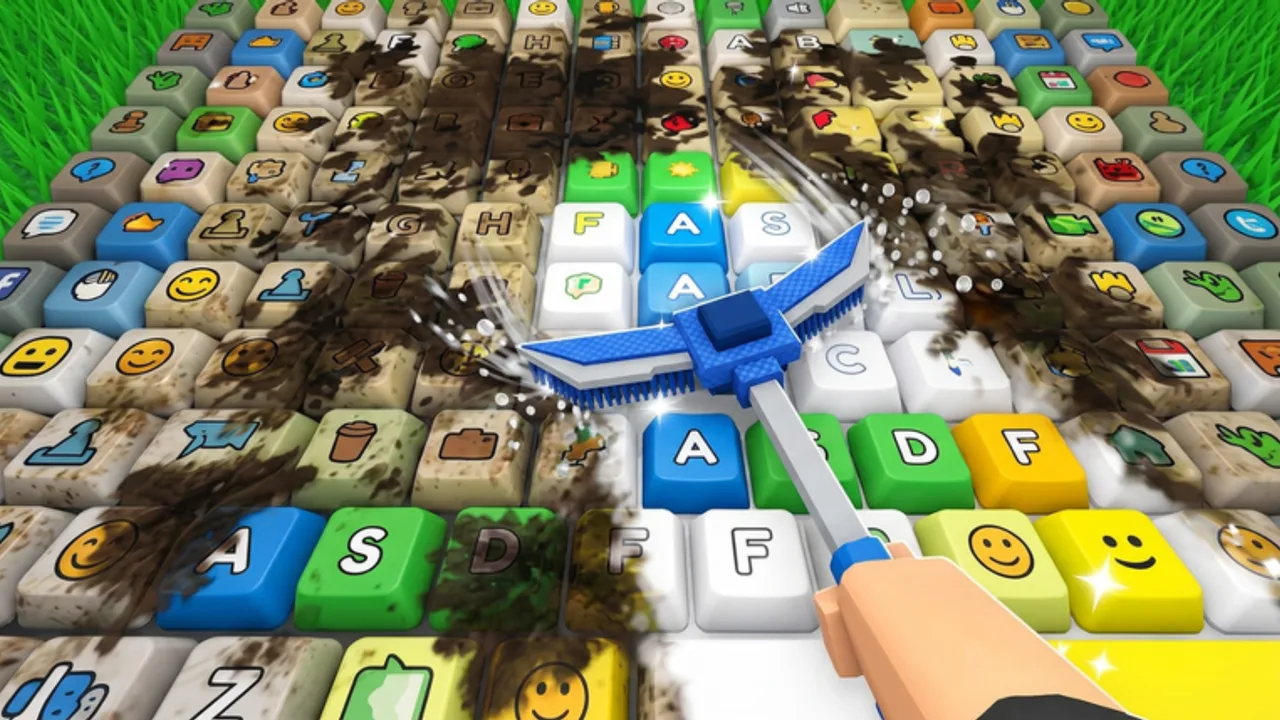
New Clean Your Keycaps players often understand the joke of the premise — dirty keycaps need scrubbing — but still stall for hours because of a few preventable mistakes. This page lists the errors we see most often after the game’s June 30, 2026 launch and the ongoing [UPD] patches through August 2026, plus the fix for each.
If you have not finished a full wash yet, read How to Play first. Otherwise treat this as a pre-flight checklist before your next session.
Mistake 1: Buying random upgrades
Problem: Spending on the prettiest sponge while rinse travel is your real bottleneck.
Fix: Time three caps, then spend on the slow stage only (How to Clean Faster, Upgrade Priority).
Mistake 2: Never placing clean keycaps
Problem: Polished caps sit unused; cash never rises.
Fix: Place in batches and collect on a rhythm (Place & Sell).
Mistake 3: Dunking soap on every cap
Problem: Buff windows expire on easy dirt.
Fix: Dunk for hard caps only (Soap Dunk Guide).
Mistake 4: Hiring workers too early
Problem: Payroll eats cash while stations cannot feed Auto Wash.
Fix: Upgrade sponge/soap until you are the bottleneck, then hire (Hire Workers).
Mistake 5: Rebirthing the first time you see the button
Problem: Reset wipes progress before multipliers pay for the loss.
Fix: Rebirth when income plateaus and the multiplier clearly shortens the next climb (How to Rebirth).
Mistake 6: Using codes from other keycap games
Problem: Strings from Build a Keyboard, Place the Keycaps!, Spin a Keycap, or Collect a Keycap! fail or distract you.
Fix: Only trust Active Codes for this place ID (82745432464897). Currently none are verified.
Mistake 7: Ignoring the [UPD] tag
Problem: Playing on outdated price memory after a live patch.
Fix: After title shows [UPD] — including the August 2, 2026 universe update — re-check shops and rebirth text (Latest Update Notes).
Mistake 8: Pasting the first script in the comments
Problem: Malware risk and ToS bans; loaders also break after patches.
Fix: Prefer manual play and tools. If you still research automation, read Auto Farm Script warnings first and use an account you can lose.
Mistake 9: Fighting the wrong controls
Problem: Mis-taps on mobile or unlocked mouse on PC waste dunk windows.
Fix: Learn device inputs in Controls before long grind sessions.
Mistake 10: Visiting the wrong official page
Problem: Landing in clone experiences with similar names.
Fix: Bookmark Clean Your Keycaps by 2 da moon! and the group from Official Links.
Quick recovery plan if you already stalled
- Place every clean cap; collect cash.
- Identify bottleneck with three timed washes.
- Buy one matching upgrade only.
- Practice one proper dunk on a hard cap.
- Tick progress on Progress Checklist.
- Skim Tips & Tricks for session habits.
Mindset for incremental cleaning
Clean Your Keycaps mixes satisfying scrubbing with idle-style growth. You do not need perfect min-max on day one — you need to avoid the mistakes that zero your income or reset you early. Steady place-and-upgrade loops beat panic spending and fake code hunting every time.
Live stats as of our August 2, 2026 check sat near 3.95 million visits, roughly 10k concurrent players at peak windows, and about 240k favorites, with the 2 da moon! group around 347k members. That popularity attracts clone places and fake code thumbnails — another reason the official bookmark and empty-but-honest Active Codes list matter.
When you want opinions on whether the grind is worth your time, read the full review. When you want structured spending, open Upgrade Planner. When you want a positive habit list instead of only warnings, open Tips & Tricks.
Related pages
Frequently Asked Questions
Quick answers for Clean Your Keycaps players.
What is the biggest beginner mistake in Clean Your Keycaps?
Skipping placement after polishing, or buying random upgrades without timing your scrub versus rinse bottleneck.
Should beginners rebirth early?
Usually no. Wait until income plateaus and the rebirth multiplier clearly speeds the next upgrade cycle.
Why do codes from other keycap games fail?
Those codes belong to different Roblox experiences. Clean Your Keycaps only accepts promos published for this place — none verified yet.
Are scripts safe for beginners?
They can violate Roblox ToS and risk bans. Learn the manual loop first; read Scripts warnings if you still consider them.